
AI Landscape Design for Your Yard & Garden
Upload a yard or garden photo, choose an area type and style, then generate. Sign in to run the tool and use your free credits.
1.Upload Your Yard Photo
Drag & drop your photo here or browse files
JPG, PNG or HEIC • Max 20MB • PDF not supported
Front Yard Style
(Required)None selected
Elements
(Optional)None selected
Additional Requirements (Optional)
0 credits available
Your AI-Generated Front Yard Design
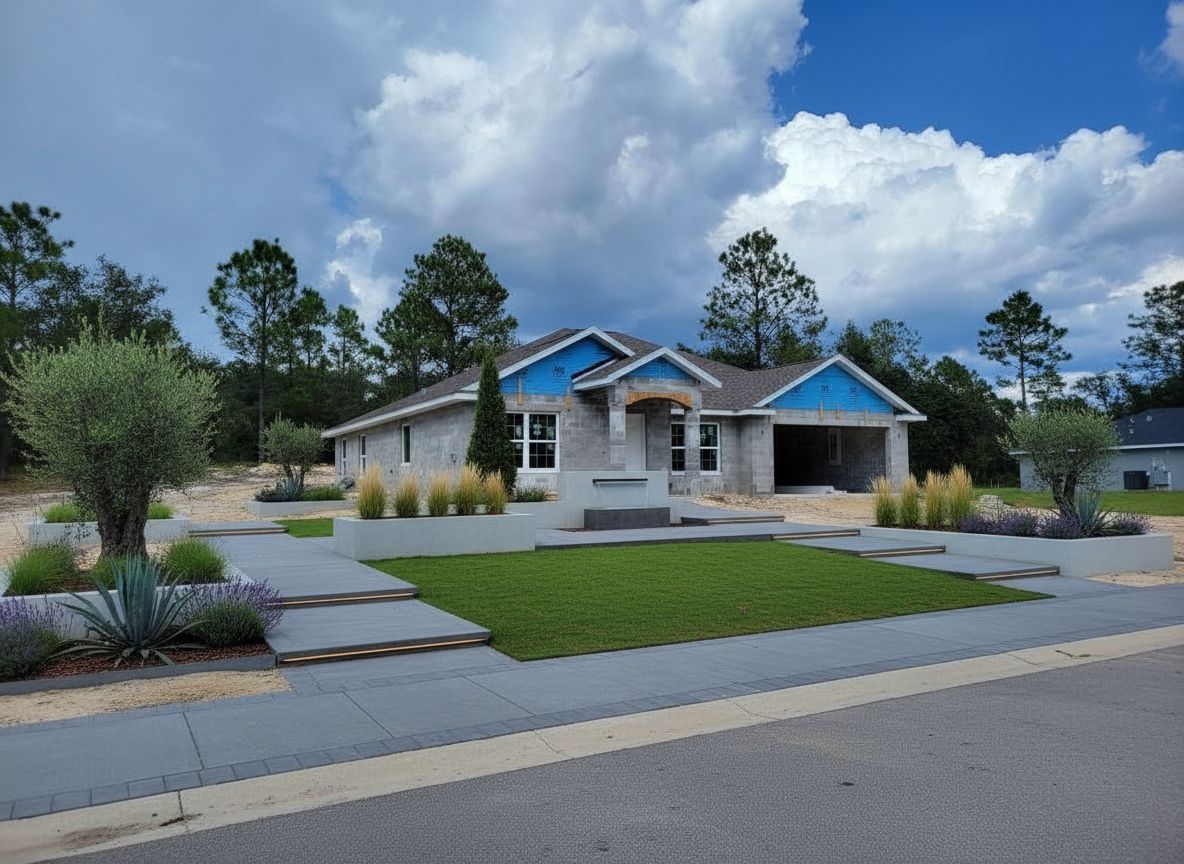
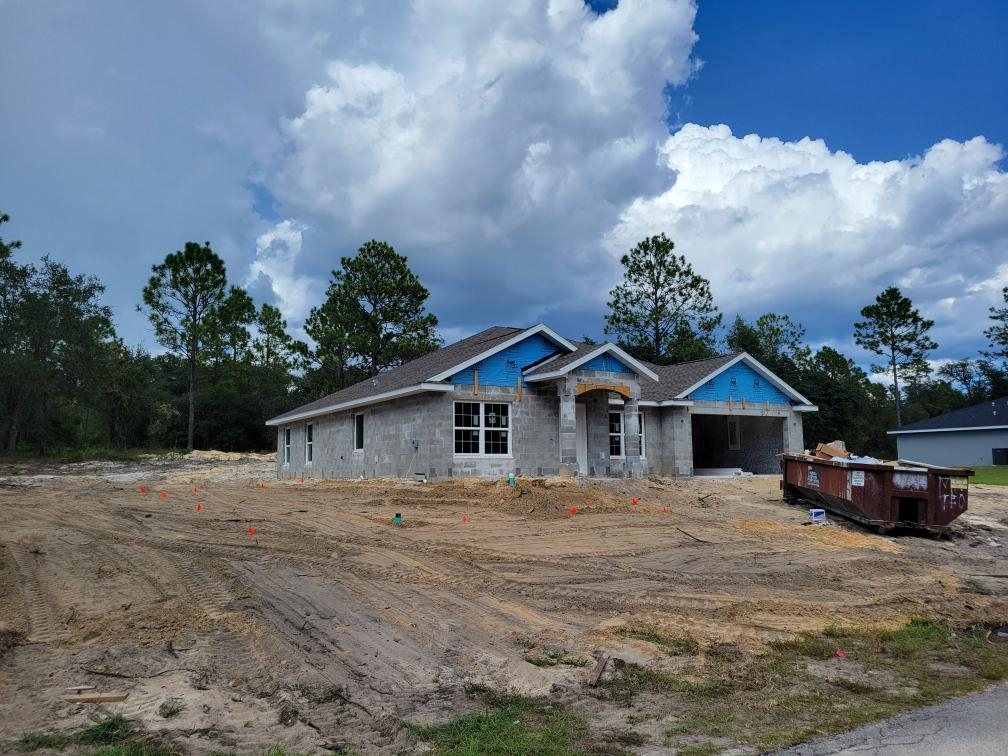
Try Sample Images
No photo handy? Pick a sample below to preview the tool.
Looking for Large-Scale Projects?
Try our AI Landscape Design tool for parks, commercial spaces, and urban planning projects.
How residential AI landscape design works
- Upload a clear photo of your yard, garden, or pool area.
- Choose a home area and style or function; add optional elements and notes.
- Generate with the quality and resolution you prefer—the button shows the credit cost.
- Refine your result when you want small layout or planting changes.
Who should use which page?
This generator is built for home-scale outdoor spaces: front yard curb appeal, backyard living, patios and terraces, intimate gardens, narrow side yards, and pool surroundings. For parks, campuses, streetscapes and commercial sites, use the large-scale AI Landscape Design tool.
FAQ
- Is this AI landscape design tool free to try?
- Yes. New accounts receive two free credits for Quick previews.
- What image formats can I upload?
- JPG, PNG, or HEIC up to 20MB. PDF is not supported.
- What is the difference between Quick preview and Best quality?
- Quick preview is a fast one-credit layout draft. Best quality creates a planning sheet with a clean view, numbered items and a localized DIY list; any paid credit pack unlocks it.