
AI Side Yard Design Generator
Make a narrow side yard more useful with a clear purpose—access, storage, planting, a low-maintenance path, or a private garden walk.
1.Upload Your Side Yard Photo
Drag & drop your photo here or browse files
JPG, PNG or HEIC • Max 20MB • PDF not supported
2.Choose a Side Yard Direction
Current tool
AI Side Yard Design
Your selections will be applied to this side yard.
Side Yard Direction
(Required)None selected
Elements
(Optional)None selected
Additional Requirements (Optional)
0 credits available
Your AI-Generated Side Yard Design
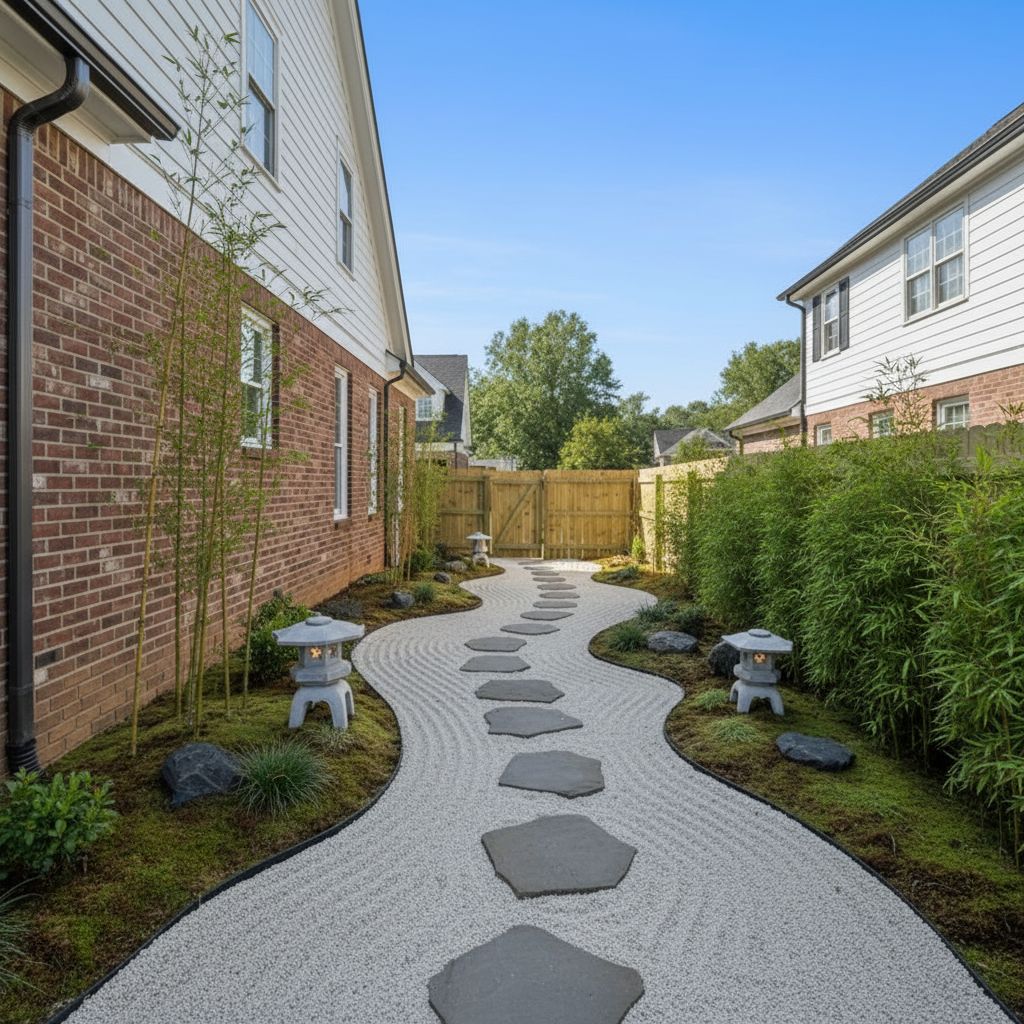
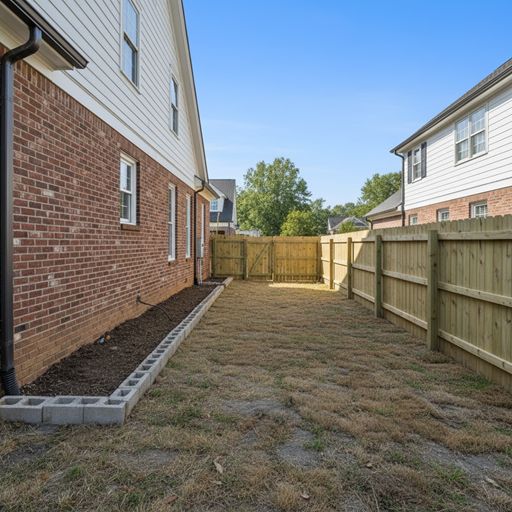
Try Sample Images
No photo handy? Pick a sample below to preview the tool.
Looking for Large-Scale Projects?
Try our AI Landscape Design tool for parks, commercial spaces, and urban planning projects.
Turn an overlooked side yard into a useful place
Use this focused tool for the narrow strip between home and boundary, where access, drainage, storage, and planting need to work together.
What you can explore
- Practical access routes, utility space, drainage-aware surfaces, and screening.
- Vertical planting, low-maintenance paths, storage, and garden walk ideas.
- A design direction tailored to limited width and an existing house wall.
How this tool works
- Upload a clear photo of the area you want to improve.
- Choose a side yard direction, then add optional elements, notes, and your location.
- Generate a visual concept with the quality and resolution you prefer.
- Refine a completed design when you want to adjust planting, materials, or the layout direction.
Visual planning concepts are not construction drawings. Verify site dimensions, utilities, safety requirements, and local rules before building.
Explore related tools
FAQ
- Can AI design a very narrow side yard?
- Yes. A straight-on photo that shows both boundaries gives the generator the best context for paths, planting, and storage ideas.
- Can I keep access to gates and utilities?
- Yes. Note required clearances, gates, meters, or storage in Additional Requirements before generating.
- Is this tool free to try?
- New accounts receive two free credits for Quick previews.